


Ad Free · No Subscriptions

Move faster through your macOS workflow.

UpDock is a configurable productivity tool for macOS that gives you fast access to the apps, URLs, files, and folders you use most. Create focused mini-docks, switch contexts quickly, and keep your workspace under control.

UpDock app icon

Lightweight mini-docks for apps, files, folders, and URLs.

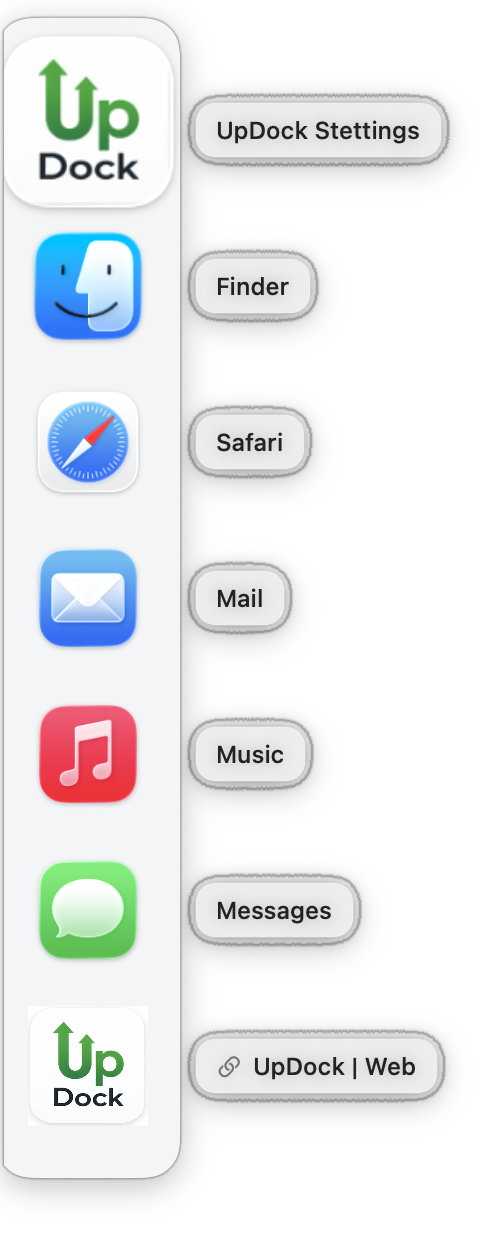
Mini-docks for every workflow

Create focused docks for projects, apps, files, folders, URLs, scripts, and everyday tasks.

Example UpDock mini-dock

Meet the UpDock app

Keep your most-used tools close without crowding your desktop or relying on a single overloaded Dock.

Ad-Free and subscription-free

UpDock Free is useful on it's own. The only in-app purchase is the upgrade to UpDock+. UpDock Pro will be a direct download from the UpDockApp.com web page, and none of the UpDock versions have ads or require subscriptions.

Quick access to what matters

Launch apps, open files and folders, and jump to URLs from focused mini-docks built around the way you actually work.

Switch contexts faster

Create separate mini-docks for development, writing, admin work, research, or anything else that benefits from a clean workflow.

Stay organized

Put the right tools at the right edge of the screen and reduce the friction of hunting through windows, folders, and menus.

Built for flexible workflows

Use UpDock as a simple launcher, a task-based workspace tool, or an AppleScriptable part of a larger automation system.

Built for power users and AppleScripters

UpDock is especially useful for people who work across multiple apps and automate repetitive tasks. It is AppleScriptable, so you can create, modify, export, import, and control mini-docks from scripts and larger workflows.

Fully configurable

Configure multiple mini-docks, choose what they contain, and shape them around the work you do. UpDock is designed to stay flexible instead of forcing one launcher model onto every workflow.

  • Apps, files, folders, and URLs
  • Multiple mini-docks for different tasks
  • Import, export, and share dock setups
  • Palette mini-docks for reusable source items

Mini-docks where you want them

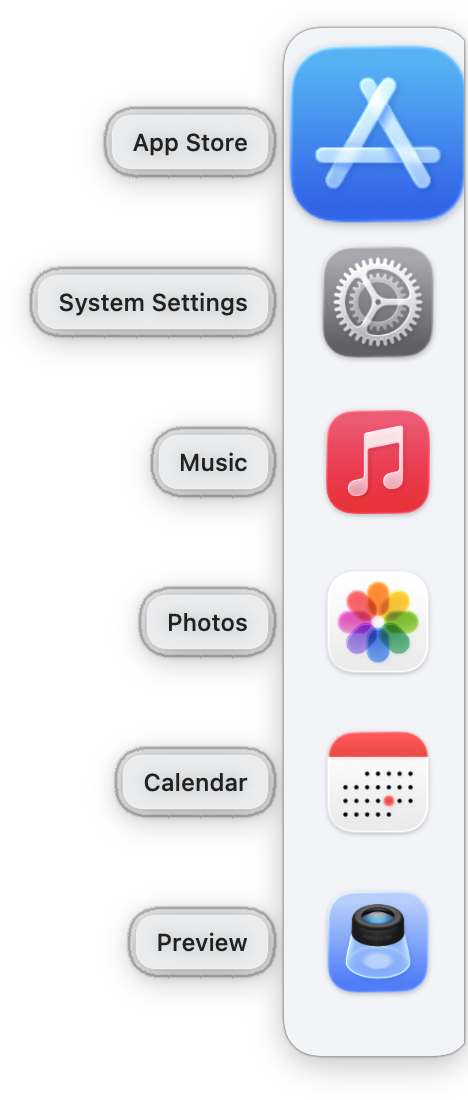
Keep a focused set of tools available without crowding the macOS Dock.

Example right-edge UpDock mini-dock

Choose your version of UpDock

Start with UpDock Free, step up to UpDock+, or choose UpDock Pro for the full direct-download version.

UpDock Free

A limited App Store version designed to help users get started and try the UpDock workflow.

See UpDock Free →

UpDock+

The stronger App Store version, with most major limitations removed while staying sandboxed.

See UpDock+ →

UpDock Pro Coming Soon

The full direct-download version for power users who want the broadest capabilities and the fewest restrictions.

See UpDock Pro →
Example bottom-edge UpDock mini-dock